Rushing Wind Church 

This Website is the Staff Workspace of Rushing Wind Church.

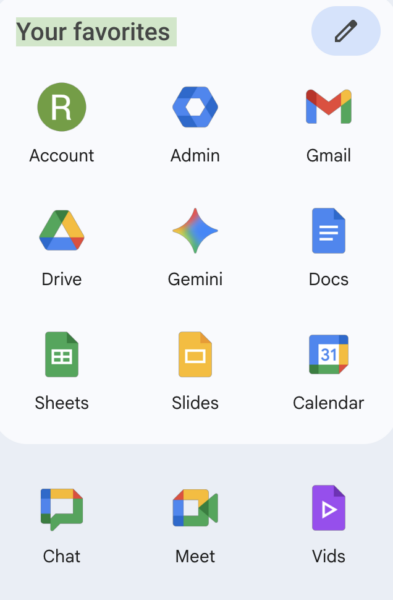
For access to RWC Google Drive, you need a Google Workspace account. You can obtain one by filling out the form by clicking here

drive.rushingwindchurchav.org 


Volunteer Staff: If you would like help in obtaining access to the church’s Google Nonprofit Workspace, you can request access by clicking here.

workspace.google.com

Department Leaders: If you would like help with your webpage, you can request assistance by clicking here.

If you need assistance with any data forms or their corresponding Google Sheets, you can request changes by clicking here.


If you are looking for the General Event Form, you may find it by clicking here.

If you are looking for the Post Event Form, you may find it by clicking here.

Please use the Form Below to Initiate Your Access to the Rushing Wind Church’s Google Nonprofit Workspace

Access is subject to Pastor/Admin/Departmental approval.

Contact IT department for details.

Last Name as used in creating your user account
First Name as used in creating your user account
This will be your recovery email and your backup
Requesting Initial Access for:
Requesting Support for Trouble I'm Having With:
This helps us to accurately address your needs. This request is subject to Pastoral, admin, and departmental approvals.

Basic YouTube tutorial video that can get you jump-started.

Basic YouTube tutorial playlist on Workspace App basics. You can also click here for the playlist page.